
Online Learning Resources
RM UNIFY OneDrive, Email & Calendar
GCSEPod – Students can login directly through the website with their school network credentials, or through Firefly VLE if they forget their username or password.
Download the following documents for more help with revision. Please remember our Firefly pages offer extensive revision support.
Parent student academy guide and revision roles
Remote Learning
Click here to read about our remote learning provision
Digital Blended Learning Curriculum Policy
Help with using Xbox or PlayStation
Crest Awards
Science awards you can complete from home.
iDEA Awards
Digital enterprise award scheme you can complete online.
Paw Print Badges
Free challenge packs and other downloads. Many activities can be completed indoors. Badges cost but are optional.
Tinkercad
All kinds of making.
How to learn and revise effectively
Spaced practice

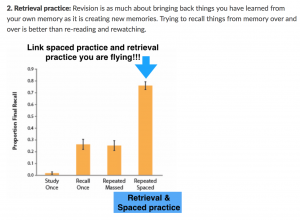
Retrieval practise
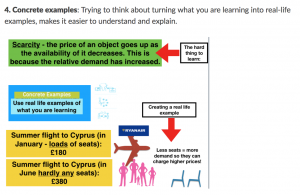
Concrete examples
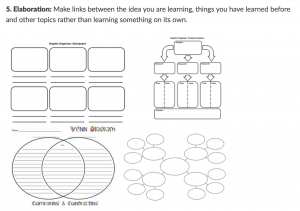
Elaboration
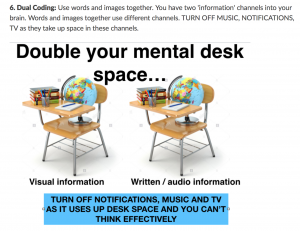
Dual coding
Using Xbox or PlayStation to access Office 365
Please see below for a guide on accessing your remote learning with an alternative method to use during lockdown.
Xbox
- Plug a keyboard in to the Xbox USD slot (less than £10 from Amazon)
- Go in to my games and apps
- Find Microsoft Edge and select
- Type in Office 365 and log in as you would at the Academy
- You can then access your work and use key packages including: Word, Excel, PowerPoint, Teams and your emails.
- Too move around you use the Xbox controller or plug in a mouse
PlayStation
- Identify the PlayStation internet browser icon (It is WWW with dots around it)
- Press the PlayStation logo on the controller
- Go to the library and find options for games and applications
- Go in to applications and you will find the internet browser
- Type in Office365 and log in as you would at the Academy
- You can then access your work and use key packages including: Word, Excel, PowerPoint, Teams and your emails.
Zoom Help
OneNote Help
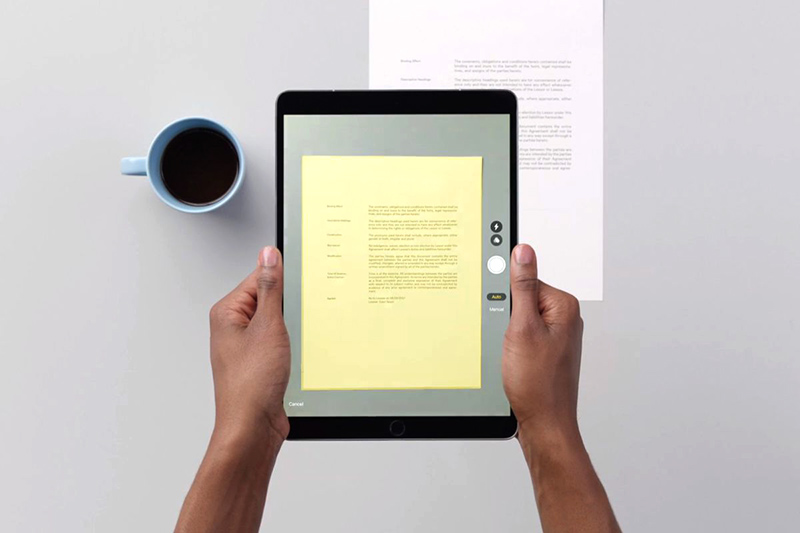
Using an iPad to Scan