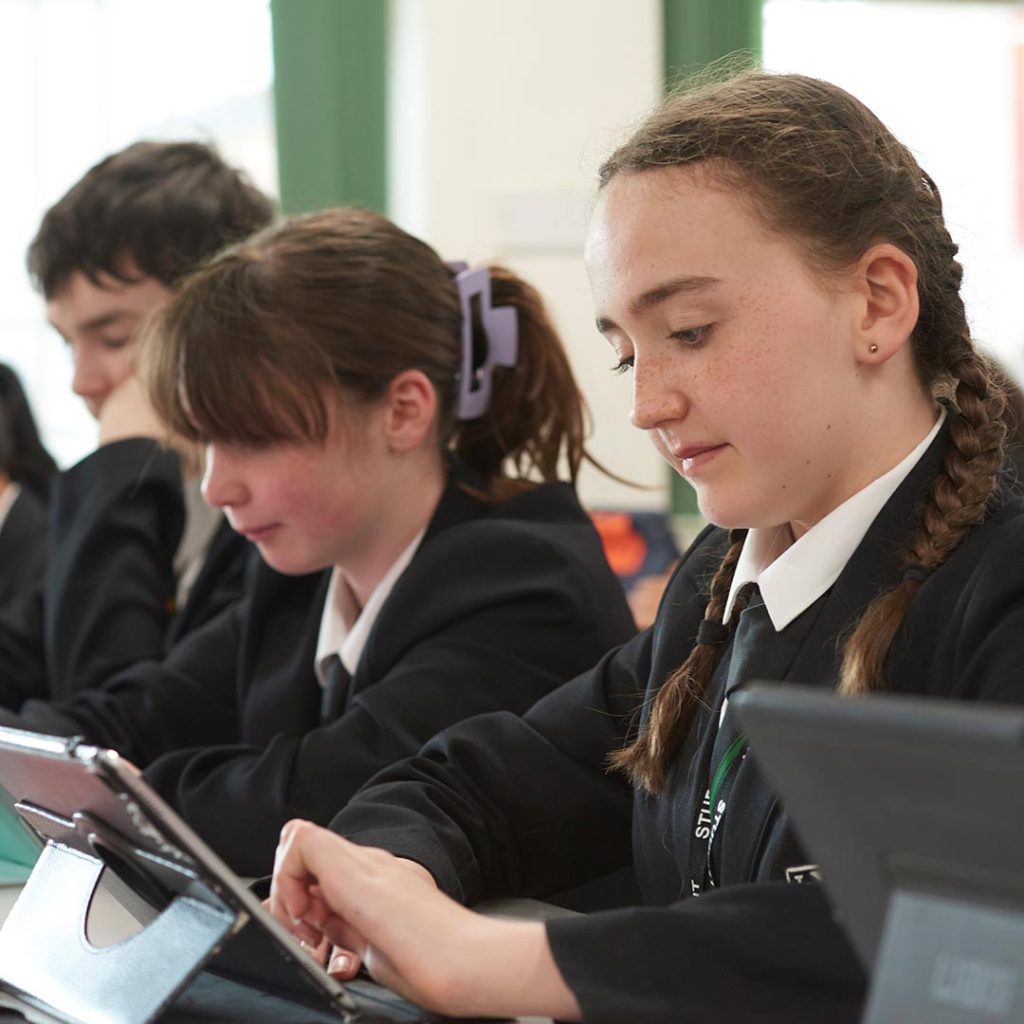
1:1 Devices and Digital Learning at Trentham Academy
At Trentham Academy, students are encouraged to use a 1:1 device to support their learning both in school and at home. These devices are an important part of our teaching and learning approach and are used regularly across all subjects.
Students use their devices to access learning resources, complete and submit work, receive feedback from teachers, and access our Virtual Learning Environment (VLE).
1:1 Device Purchase Scheme
Each September, we offer a 1:1 device scheme that allows parents and carers to purchase a device through affordable monthly instalments. This helps ensure students have access to the technology they need to support their education.
Insurance and Support
All Academy 1:1 device schemes include insurance for accidental damage and theft. The provider responsible for your child’s device depends on the year group:
- Students leaving in Summer 2029 or earlier: Insurance is provided by CPU through our Apple reseller, Sync Digital.
- Students leaving in Summer 2030: Device agreements and insurance are managed by Easy4U.
Device agreements taken out in Year 7 are spread over 36 monthly payments, with insurance remaining valid throughout the payment period. If payments are not maintained, ownership of the device may revert to the Academy.
Making an Insurance Claim
If your child’s device is accidentally damaged or stolen, it is important that a claim is submitted within 14 days of the incident. Claims made after this period may not be accepted by the insurer.
As devices play a vital role in daily learning, we encourage families to report incidents and submit claims as soon as possible.
Protective Cases
To remain eligible for accidental damage cover, devices must be kept in a hard protective case that protects the front, back and corners of the device.
Please note that cases with exposed corners do not meet the insurance requirements and may result in a claim being declined. Students should continue to use the protective case supplied with their device whenever possible.
Backing Up Your Device
In many cases, a damaged device will be replaced rather than repaired. We therefore strongly recommend that students regularly back up their work and documents.
While apps can be reinstalled through an Apple account, personal files and schoolwork can only be recovered if they have been backed up. Before a replacement device can be issued, the existing iCloud account must be removed from the original device.
Further Information
More detailed guidance can be found in the Device Adoption Booklets below.
If you have any questions about Academy devices, please contact Mr Barlow at [email protected].